160 lesson: hold the heading the driver left
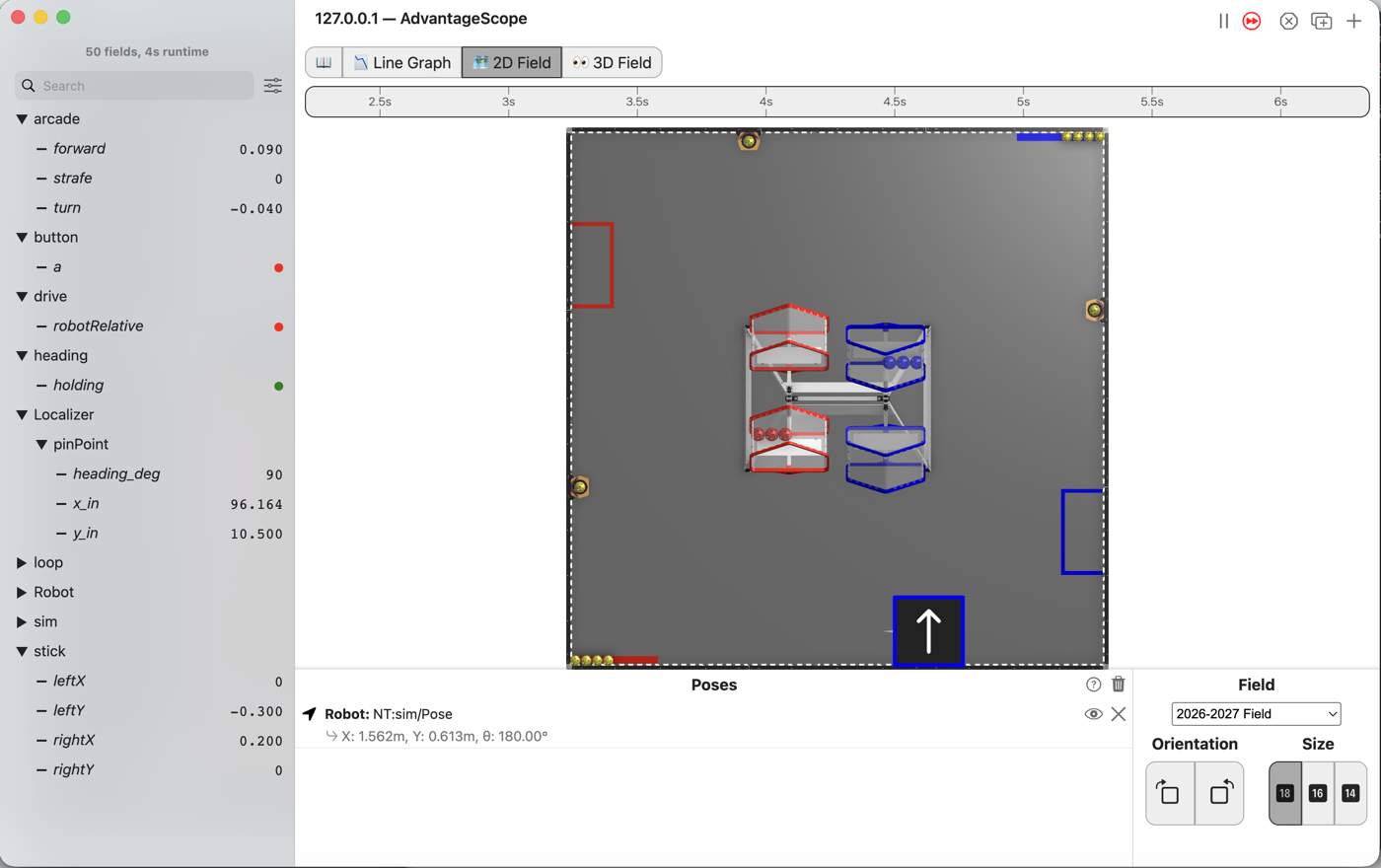
Let go of the turn stick and the robot keeps pointing where it was left. Push the turn stick and the driver has it back at once.
the steps
L160S010: copy the starter into mytry
Copy. In lessons, click L160HeadingHoldOpMode once and copy it. Click mytry once and
paste. In the Copy Class box, click OK. If Android Studio asks whether to add the file to
Git, click Add.
Check.
mytryholdsL160HeadingHoldOpMode, and the new file is open.
L160S020: switch your copy on
Change. Delete the line @Disabled, under the comment that names this step.
Check.
Under the step’s comment, the next line reads
// 'public' so the robot can run this OpMode. 'public' allows access from any code.
L160S030: watch the nose creep
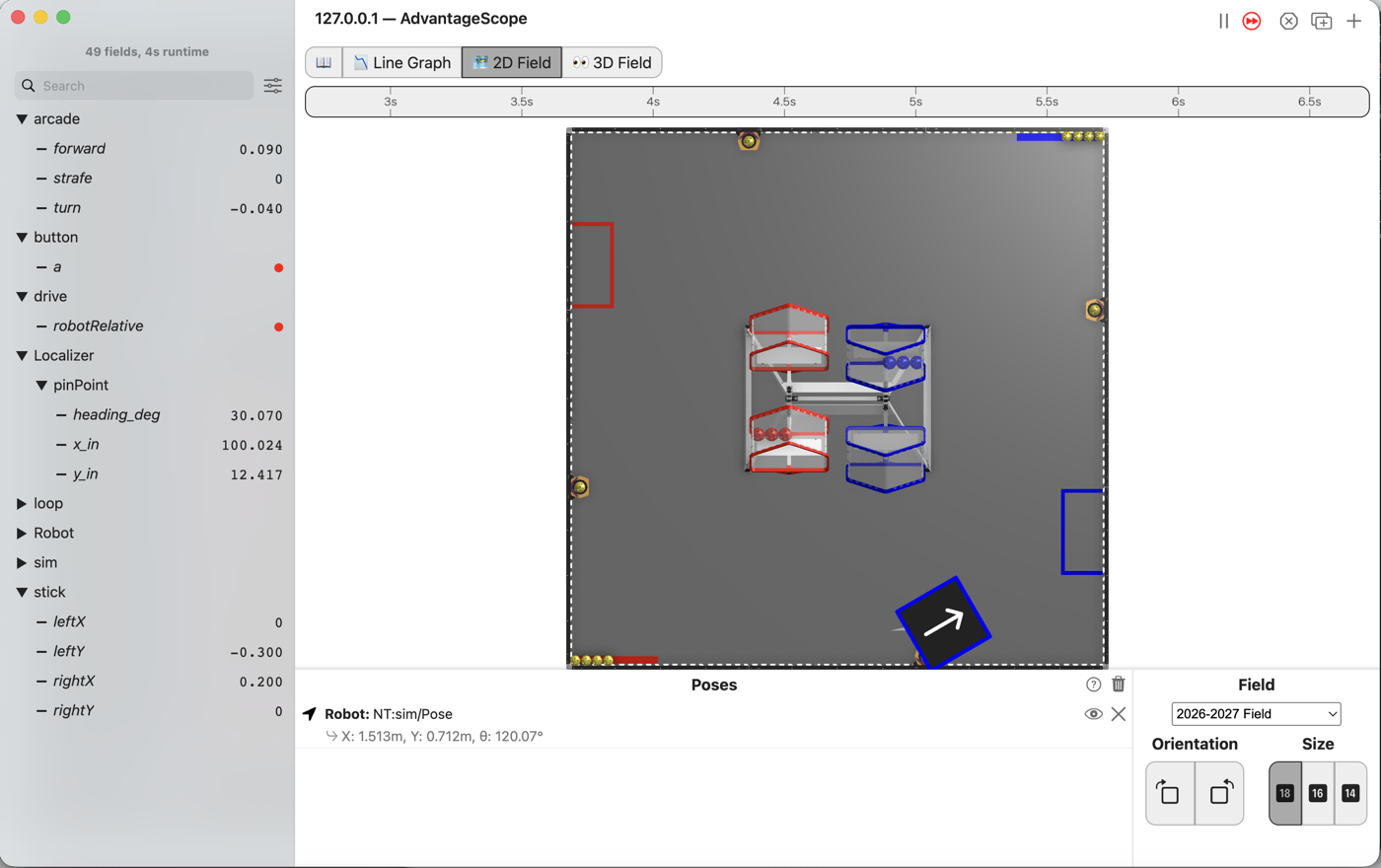
The starter is L150’s finished OpMode. This run pretends the turn stick rests a little off center, the way a worn stick does.
Simulator. In the Terminal, run:
./gradlew :TeamCode:simRun --args="mytry.L160HeadingHoldOpMode --left_stick_y=-0.3 --right_stick_x=0.2"
AdvantageScope. Connect to the simulator as in L020, click 2D Field, and open the arcade
folder, then Localizer and pinPoint.
Check.
turnreads -0.040, which is small.The robot drives to the right, and it turns as it goes.
heading_degstarted at 90 and keeps dropping.
L160S040: hold the heading
HeadingHold is written for you, in base. While the turn stick is pushed, it hands the stick
straight back and the driver steers. On the loop the stick is let go, it remembers the heading.
After that it hands back the turn that steers the robot back to that heading.
Its own deadband is 0.05, so a stick that is nearly centered counts as let go. turn at -0.040 is
inside it.
Change. Press Ctrl+C in the Terminal to stop the simulator. Find the line
CorbelsMecanum drivetrain; near the top of the class. Under it, type:
    CorbelsMecanum drivetrain;
    HeadingHold hold = new HeadingHold(Constants.foresightConfig.headingFeedback.get());
Constants.foresightConfig holds the follower’s own settings. headingFeedback is the part that
steers the heading in autonomous. Tune the follower, and this hold gets the same tuning.
HeadingHold and Constants turn red. Click each one and press Option+Enter, as in L120. The
popup for Constants names org.firstinspires.ftc.teamcode.pedro.Constants.
Change. In driveFromTheSticks(), find the comment that names this step. Under it, type:
        double turn = deadband(-rightStickX, band);
        turn = signedSquared(turn);
        Tracker.publish("arcade/turn", turn);
        // When on L160S040, see
        // https://msb-stitt.github.io/ftc31459-26-27-biobuzz/guide/tasks/l160.html#l160s040
        // for what to do here.
        turn = hold.turn(follower, turn);
        Tracker.publish("heading/holding", hold.target() != null);
The first new line swaps the stick’s turn for the hold’s. Both sticks calls below use turn, so
both drive with it. Android Studio now underlines turn everywhere. That marks a variable that
changes after it is made. It is not an error.
Simulator. Run the same command again, and connect AdvantageScope. Open the heading folder
too.
Check.
holdingis green.The robot drives to the right, its nose still pointing up the field, and
heading_degstays at 90.
L160S050: drive it and then push it
Robot. Stop the simulator. Send the code, and run L160 Heading Hold from the Driver Station.
Check.
Drive a long diagonal with the left stick, and do not touch the turn stick.
The nose stays where it was.
Then take hold of the robot and twist it a little. It turns back on its own.